MobileAndroid
How to sideload Android APKs on your Chromebook
Chromebooks aren’t limited to only apps available on the Google Play Store; users can sideload Android APKs to install additional apps.
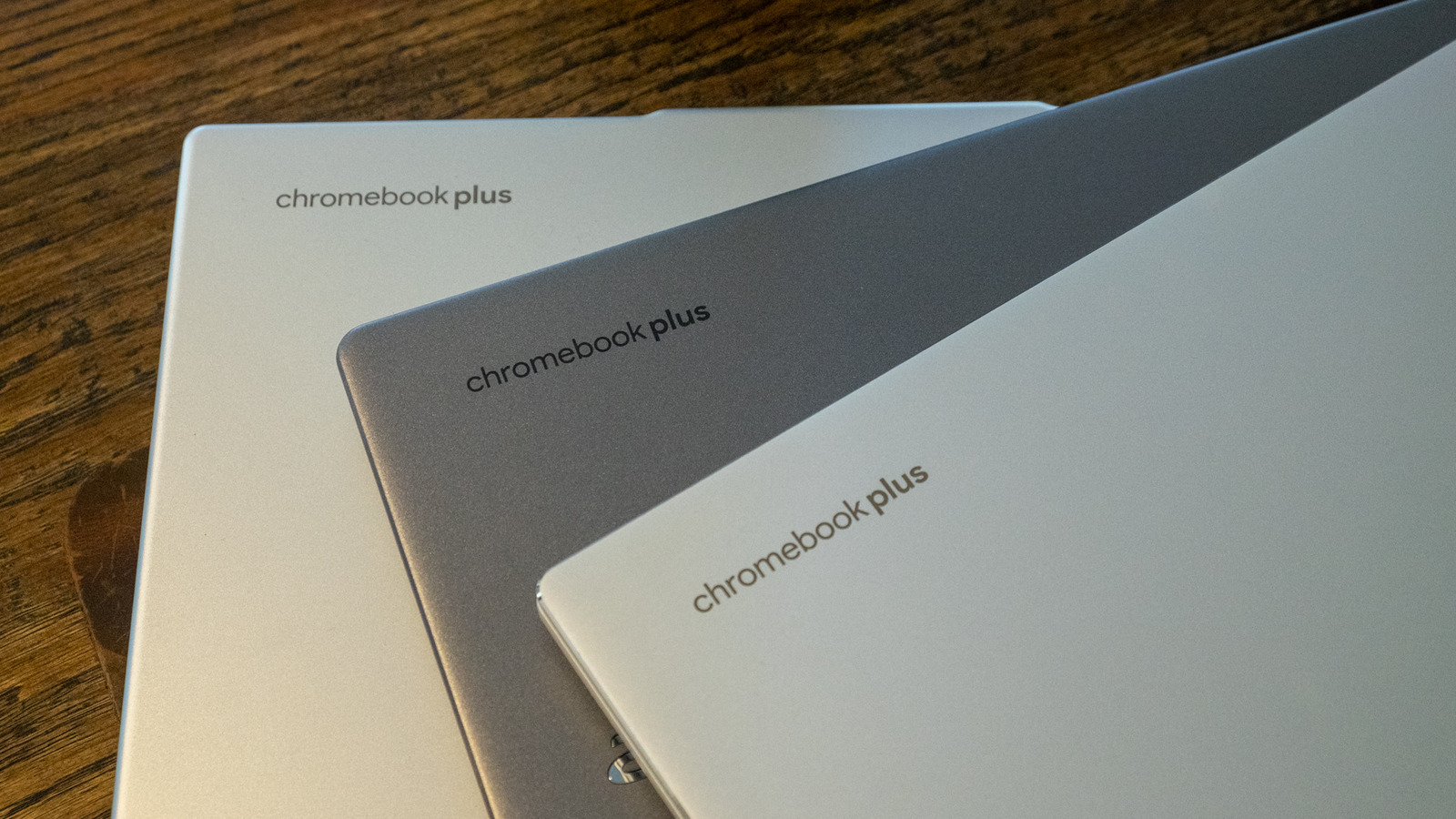
Chromebooks aren’t limited to only apps you can get on the Play Store. Users can sideload Android APK files to install apps that are not available through the official Google Play Store on their Chromebook. This capability expands the functionality of Chrome OS devices by allowing access to a broader range of Android applications. The process involves enabling developer mode or using specific settings to allow APK installation from unknown sources, providing more control over app management on Chromebooks.